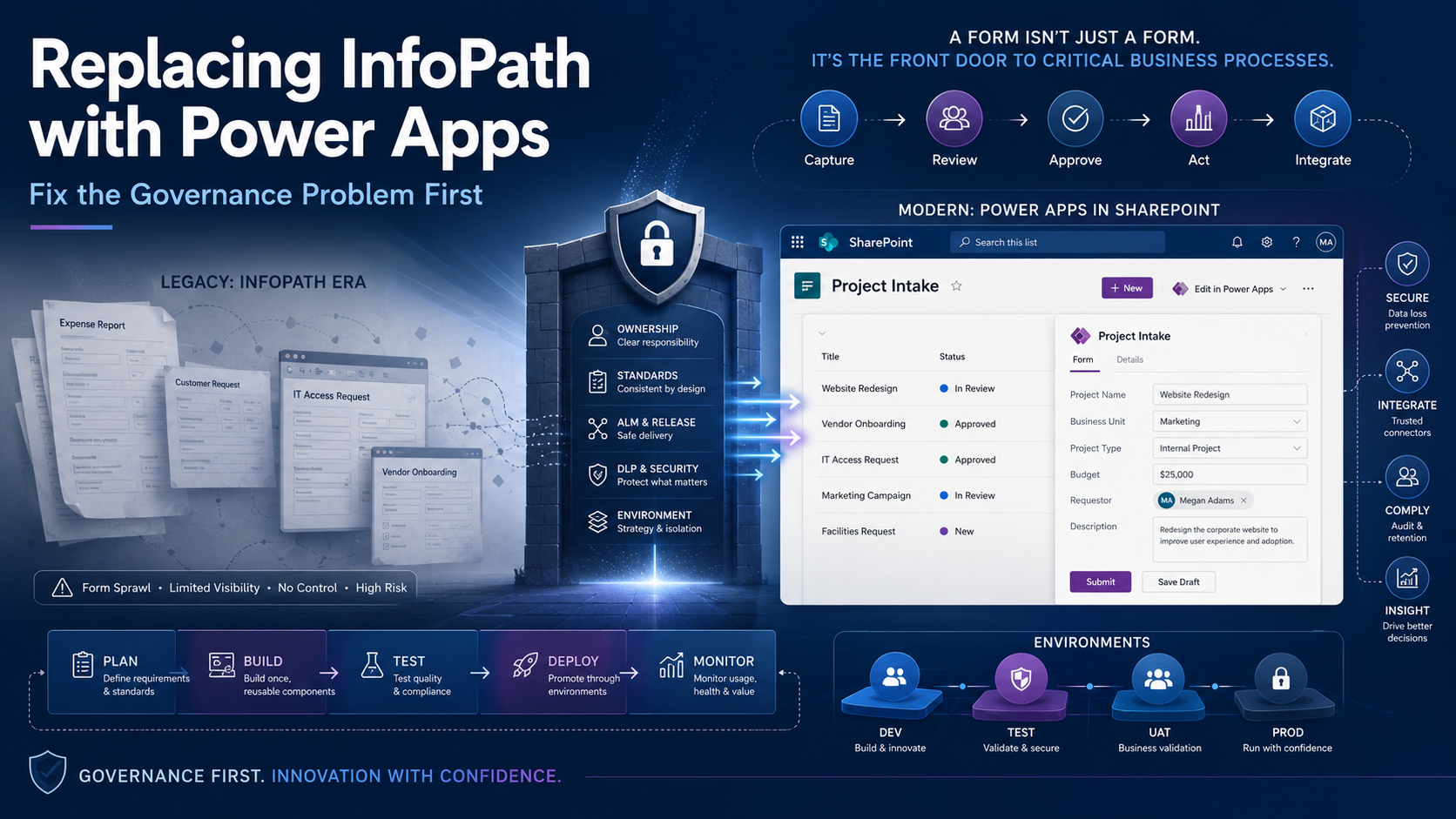
Copilot Managed Runtime hosts internal apps built in Cowork, Copilot Code, Copilot Studio or with its command-line tool, and applies the tenant's governance to them from the moment they're created. Microsoft has now published how building and running those apps are licensed. The documentation is in preview and was last updated on 9 and 10 November 2026, so the rates and rules below can change before general availability.
The running costs are low. One API call costs 0.1 Copilot Credits, so US$1 covers about 1,000 calls. Microsoft's worked examples put a 300-person department app at between US$59.40 and US$118.80 a month.
Access is the harder part. Every person who opens an app needs runtime cover, and someone has to set that up. Several licences that people would expect to cover it don't, including the Power Apps use rights in Microsoft 365 E3 and E5. If a maker shares a new app with their department before an admin has created a runtime policy, everyone without Power Apps Premium gets a warning and then a block.
Preview status. Copilot Managed Runtime and its licensing pages are prerelease. Figures here were checked against Microsoft Learn on 16 November 2026 and are list prices in US dollars.
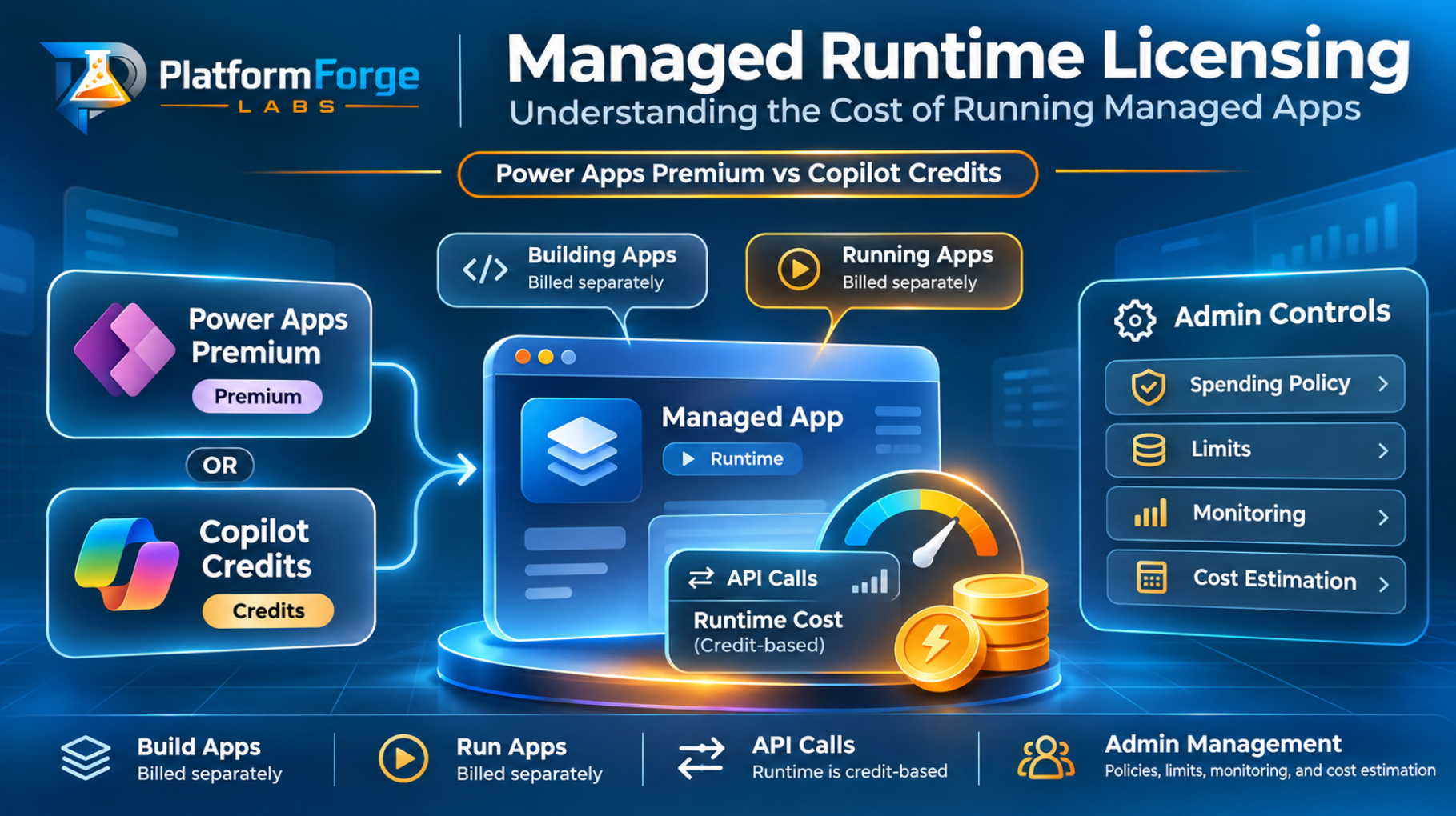
Building and running are billed separately
The tool a maker uses to build an app decides how the build is billed. Running the app is billed the same way whichever tool built it.
| Activity | What's required | Where billing is managed |
|---|---|---|
| Build in Cowork | A Microsoft Copilot licence, plus Copilot Credits through a spending policy that includes Copilot Cowork | Microsoft 365 admin center |
| Build in Copilot Code | A Microsoft Copilot licence, plus Copilot Credits through a spending policy that includes Copilot Code | Microsoft 365 admin center |
| Build in Copilot Studio | Copilot Credits through Copilot Studio billing for the environment | Power Platform admin center or Microsoft 365 admin center, depending on where the environment is in the cost-management move |
| Build with the CLI | No licence to create, build or deploy | Not applicable |
| Run any app, including locally from the CLI | Power Apps Premium, or inclusion in a spending policy that includes Copilot Managed Runtime | Microsoft 365 admin center |
Building is the heavier cost. Microsoft calls it the most credit-intensive part of the lifecycle and recommends sizing build limits separately from runtime limits. The Microsoft Copilot licence gives makers access to Cowork and Copilot Code, but their usage is still billed in credits. Copilot Studio builds apps on the Microsoft Copilot harness, so billing starts during creation and covers natural-language authoring, testing and evaluation.
Copilot Studio teams should note that environment credits pay for building an app there, not for anyone running it. Runtime goes through the Copilot Managed Runtime service in the Microsoft 365 admin center. That stays true after Copilot Studio cost management finishes moving to the Microsoft 365 admin center: runtime events won't count towards a per-environment policy.
What counts as a billable call
Copilot Managed Runtime meters app usage in API calls at 0.1 Copilot Credits each. These actions count:
- Launching an app. Each static asset the app loads at launch, such as a script, style sheet or image, is one call. One launch can therefore be several calls.
- Reading or writing data through a connector. One call each.
- Calling data sources, including Dataverse. One call each.
- Publishing an app.
Specialised services that an app uses, such as Work IQ APIs, are billed on top of this at their own rates.
Ten calls cost one credit, 100 credits cost US$1, and a single call therefore costs about a tenth of a US cent.
I would pay most attention to the launch rule. A developer decides when an app reads or writes data. The number of files loaded at launch depends on how the front end is built and bundled, and those files count again on every launch. Check how many static files your app loads before you share it with a large group.
What a month of running costs
Microsoft's worked examples assume 22 working days a month. The two right-hand columns come from its two estimates: one where each launch is a single call, and a more conservative one where each launch makes ten.
| App | Users | Usage per user | 1 call per launch | 10 calls per launch |
|---|---|---|---|---|
| Personal productivity app | 1 | 3 launches a day, 5 data calls each | 39.6 credits, US$0.40 | 99 credits, US$0.99 |
| Team tracker | 25 | 2 launches a day, 10 data calls each | 1,210 credits, US$12.10 | 2,200 credits, US$22.00 |
| Department request app | 300 | 1 launch a day, 8 data calls each | 5,940 credits, US$59.40 | 11,880 credits, US$118.80 |
The department app's bill doubles between the two estimates even though its data calls stay the same. Launch assets account for the whole difference.
The personal app at ten calls per launch uses 99 credits a month, one credit under the 100-credit per-user limit Microsoft suggests as a starting point. Microsoft notes that every user in its examples stays inside that limit even if each launch makes up to ten calls. Beyond ten, the numbers change.
To show how, here is my own arithmetic on the published rate, not a Microsoft example. Give the same personal app 20 static files at launch: 3 launches × (20 + 5) calls × 22 days = 1,650 calls, or 165 credits. US$1.65 a month is a trivial cost. Under a 100-credit limit, though, that user is blocked during their fourteenth working day, partway through the third week of the month. They then wait for an approval or the reset on the first.
In that scenario the credit spend is small. What you would notice is a blocked user raising a support request.
Who is covered and who isn't
To run an app, a user needs Power Apps Premium or inclusion in a spending policy that includes Copilot Managed Runtime. They also need permissions and connections for the app's underlying data.
| User has | Can run apps? | What is billed |
|---|---|---|
| Power Apps Premium | Yes | No credits for normal use. Calls count towards the licence's daily Power Platform request limit of 40,000 requests per 24 hours. Usage above that, and specialised services such as Work IQ, are billed in credits. |
| Inclusion in a Copilot Managed Runtime spending policy | Yes | 0.1 Copilot Credits per API call, up to the per-user and policy limits |
| Power Apps use rights included with Microsoft 365 or Dynamics 365, such as Microsoft 365 E3 or E5 | No | These use rights don't cover Copilot Managed Runtime apps, whatever connectors the app uses |
| A Microsoft 365 Copilot licence only | No | A Copilot licence isn't required to run apps and doesn't cover runtime on its own |
| Access to an app someone shared with them | Not by itself | Sharing gives access, not runtime cover |
The E3 and E5 row is the one most likely to cause problems. Teams that have built canvas apps on standard connectors under Microsoft 365 use rights can't apply that habit here. These apps aren't covered by those use rights, even when every connector is standard.
Power Apps Premium is the only Power Apps licence named as covering runtime. The Power Platform request-limits page says that the capability to run apps built in Cowork is included with Premium and isn't included with Power Apps per app, Power Apps pay-as-you-go, or Dynamics 365 licences that include Power Apps capabilities.
When a user has both Premium and a runtime policy, the licence is used first and their app usage doesn't consume credits. You don't need to identify Premium users or exclude them from a broad policy.
For heavy app users, compare Premium with credits directly. At about US$0.001 per call, each US$1 of licence cost would buy about 1,000 runtime calls on credits. Multiply your monthly Premium price by 1,000 and compare that with what the user consumes. Microsoft expects 100 credits (US$1) a month to cover typical use for most users, so credits will usually cost less. Premium makes more sense for people who already need it for other Power Apps work.
What happens when someone isn't covered
During the preview, a user without enough cover first sees a warning. Access is blocked after 20 app operations or five minutes of use, whichever comes first. The user can select Request more inside the app, and admins review those requests in Cost management in the Microsoft 365 admin center. Per-user limits reset on the first of each month.
Most blocked users fit one of these patterns:
| Symptom | Likely cause | Fix |
|---|---|---|
| Nobody in the tenant can run apps | Usage-based billing is off, or no policy includes Copilot Managed Runtime | Turn on billing and create a broad runtime policy |
| Some users can open an app and others can't | The runtime policy is scoped to a group, and the app was shared outside it | Add a broad baseline policy or add the users to a covered group |
| A policy exists but users are still blocked | The policy doesn't select the Copilot Managed Runtime service, for example it covers only Cowork | Edit the policy and select Copilot Managed Runtime |
| Users with Microsoft 365 E3 or E5 are blocked | Their included Power Apps use rights don't cover these apps | Add them to a broad runtime policy |
| A Copilot Studio app is blocked although the environment has credits | Environment allocations cover building, not runtime | Create a runtime policy in the Microsoft 365 admin center |
| Everyone was fine, then everyone is blocked | Prepaid credits ran out with no pay-as-you-go meter, or the policy limit was reached | Check the billing method and the policy limit |
The admin set-up I would start with
Microsoft's recommended starting point matches what I would do: put one broad policy in place before apps are shared widely, then tune it with real data.
- Turn on usage-based billing. A Global Administrator or Billing Administrator goes to Copilot > Cost management in the Microsoft 365 admin center, selects Get started and chooses the subscription to bill. Prepaid capacity packs are used first, then the Copilot Credit Pre-Purchase Plan (P3), then pay-as-you-go. Turn on a pay-as-you-go meter so users aren't blocked when prepaid credits run out.
- Create a broad runtime policy. Under Configuration, add a spending policy for All users, select Copilot Managed Runtime, and set a per-user limit. Microsoft suggests 100 credits (US$1) a month, which covers about 1,000 calls. Set the policy limit at or above the required minimum for the users it covers, then add alerts. The policy applies as soon as you create it.
- Add cohort policies for heavy use. Give groups that live in an app, or whose apps make many connector calls, their own policy with a higher per-user limit, such as 1,000 credits (US$10) a month, scoped to a security group.
- Publish the request route. Decide who approves higher limits, what justification and expected usage a request should include, how makers ask for cover before sharing an app widely, and who reviews consumption afterwards.
- Tell makers who is covered. People they share an app with need their own cover.
A few policy rules are worth knowing before you build cohorts:
- If a user is in more than one runtime policy, the one with the highest per-user limit applies. Ties go to the largest overall policy limit, then to the most recently created policy. Settings from different policies aren't combined.
- A user who reaches their limit doesn't fall back to another policy, and moving them to another group mid-month doesn't reset what they've consumed.
- You can't scope runtime spending to an individual app. Cover the people who run it.
- Spending policies are limits, not purchases. They don't reserve credits, you pay only for what's consumed, and deleting a policy doesn't refund anything.
- Alert emails start when usage reaches the threshold and repeat daily until the period resets or the policy changes, so send them to a named budget owner.
Global Administrators and Billing Administrators can create policies. AI Administrators and License Administrators can edit existing policies, limits and alerts. AI Reader and Global Reader can view consumption.
A restricted approach, with policies for specific groups only, suits a deliberate pilot. Anyone outside those groups is blocked, including colleagues a maker shares an app with, so tell makers who is in scope before the pilot starts.
Check makers' developer environments too
Personal developer environments created for Copilot Managed Runtime are managed environments. Licence auto-claiming doesn't apply to makers who use them only to create Copilot Managed Runtime apps. If a maker also builds Power Apps or Power Automate flows in the same environment, auto-claiming applies and they might need a premium licence. Include that in your maker guidance, because it's easy to miss when a single sandbox gets used for several kinds of work.
Where to spend your set-up time
At the published rate, money spent on running these apps is unlikely to worry a finance team. Spend the set-up time on cover and communication instead:
- a broad runtime policy before apps are shared;
- a pay-as-you-go meter behind any prepaid credits;
- alerts that go to a named budget owner;
- a request route that users and makers know about; and
- a review of real consumption by policy, service and user after the first month, before you tune any limits.
The pricing, the preview grace period and the policy behaviour can all change. Check the Microsoft pages again before general availability, and before you commit to a licensing decision based on them.
For the wider context on how apps from third-party builders reach the runtime, see my earlier post on Copilot Managed Runtime and third-party apps. The one-page Copilot Managed Runtime cost cheat sheet puts the rates, examples and set-up steps on a single page you can share with admins.
Sources consulted
- Microsoft Learn, Copilot Managed Runtime licensing FAQ (preview), updated 10 November 2026.
- Microsoft Learn, Manage licensing and Copilot Credits for apps on Copilot Managed Runtime, including Estimate runtime costs, updated 10 November 2026.
- Microsoft Learn, Copilot Managed Runtime overview and key concepts for admins (preview), updated 10 November 2026.
- Microsoft Learn, Requests limits and allocations, updated 10 November 2026.
PlatformForge Labs