Share
Subscribe

Microsoft Perception is generally available: security agents that find, investigate and fix
Security findings tend to stall at the hand-off. An analyst triages the alert, someone writes up the investigation, the vulnerability goes into a tracker, and then the fix sits in another team's queue.
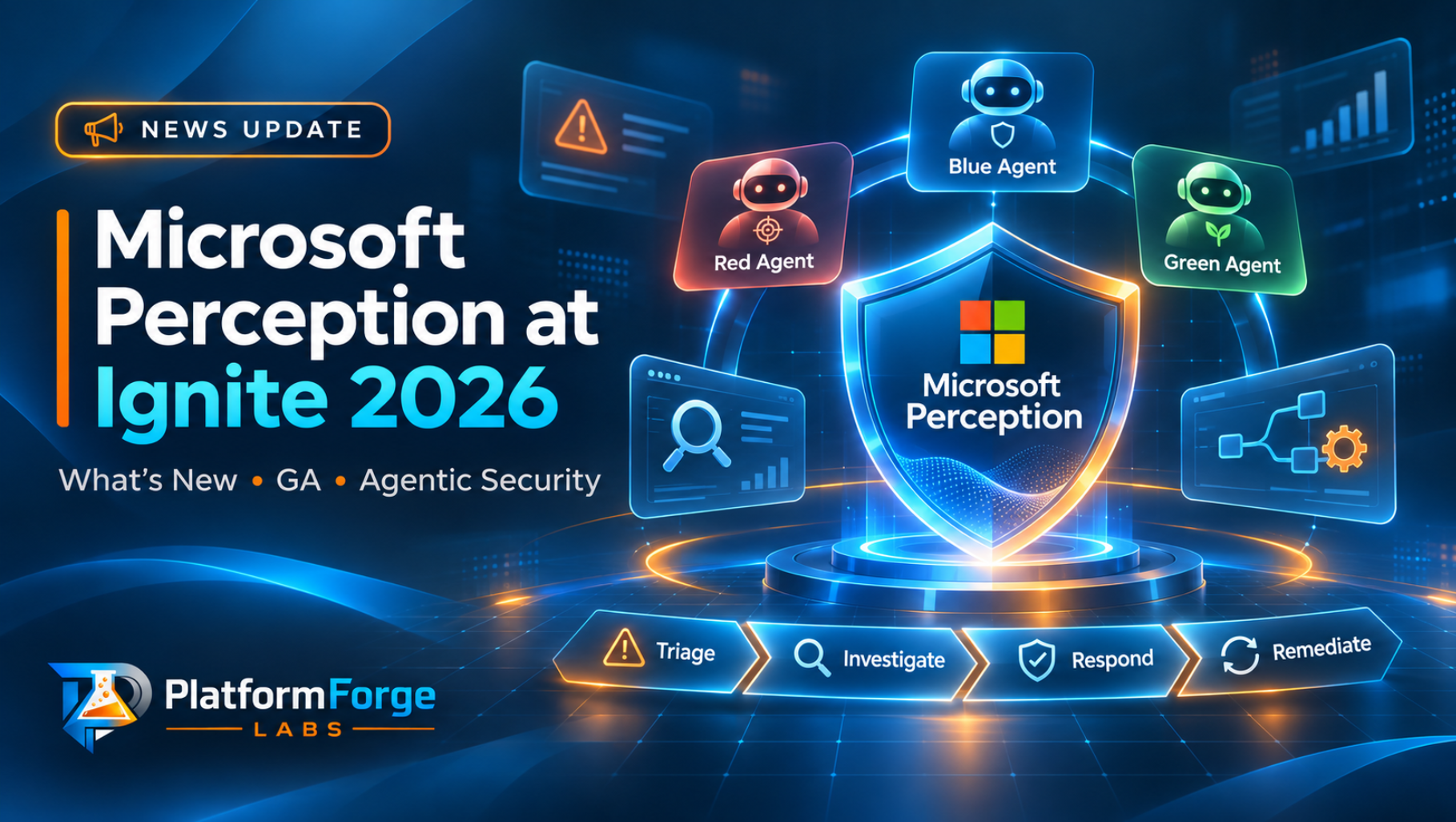
Microsoft Perception goes after that gap. Announced as Project Perception in July, it is now generally available as Microsoft Perception, and the Ignite 2026 update shows how far its scope now reaches. It covers the whole loop: attack your own apps, detect and investigate what's happening, then reduce the risk and patch. Specialised agents share findings with each other, and your team approves the critical actions.
For teams already running Microsoft Defender, this is the Ignite security announcement I'd look at first.
How Perception is organised
Perception groups its agents into three teams, borrowing the language security people already use:
- Red team agents look for weaknesses before an attacker does, for example by pen testing a web app you're authorised to test.
- Blue team agents detect, triage and investigate threats.
- Green team agents remediate and harden your environment, including patching.
Agents run through playbooks: reusable templates that give a team of agents a goal and coordinate their work. You can run any playbook manually, some can be started by automation rules, and you can also describe a task in Chat and let Perception choose the playbook. Perception sits in the Microsoft Defender portal, with sections for Chat, Sessions, Agents, Playbooks and Insights.
If you're assessing this for an enterprise, read the control model closely. Analysts can approve or reject an agent's action when it asks for input, stop a session that's going the wrong way, and redirect it. Admins decide which agents are enabled and who can run or view their sessions.
What's new at Ignite 2026
Faster triage and investigation
- Triage Agent. Microsoft says it can triage about 80% of the alerts in a typical Defender queue. That figure is aggregate coverage across roughly 8 million alerts, and Microsoft states it is not a guaranteed rate for any individual customer.
- Attack Investigation Agent. It reasons across endpoints, identities, email, Active Directory and cloud resources, rebuilds the attack timeline and recommends prioritised responses, such as containing an account or isolating a device. Triggers can start its playbook automatically.
- Threat Intelligence Agent. It turns external threat articles into structured findings: attacker behaviours, techniques and indicators.
Third-party signals
Perception also reads signals from other vendors. Support differs by agent for now, and Microsoft says more vendors will follow in the months ahead.
| Agent | Third-party signals |
|---|---|
| Attack Investigation | Okta, AWS |
| Detection Authoring | Okta, Salesforce, AWS |
| Triage | Okta, Salesforce |
Detections written for your tenant
The Detect emerging threats playbook uses a Detection Authoring Agent to propose KQL detections tailored to your tenant. It tests each one against your historical data to estimate how many alerts it would produce, then waits for an analyst to review it before deployment.
I like the volume estimate most. A noisy detection can bury the alerts you care about, and an experienced detection engineer checks expected volume before deploying anyway. Having the agent do it by default saves a step people often skip under pressure.
Red team: web app pen testing
The Run web pen test playbook tests an authorised web app the way an attacker would: authentication, APIs, injection and business logic. It reports evidence, affected endpoints, severity and proofs of concept.
On Microsoft's published Incalmo benchmark, the agent averaged a 31.0% task solve rate, around twice OpenAI Codex's 15.2%. It stayed within its testing boundaries in 91% of safety-constrained tests.
The 91% figure also means the agent went outside its boundaries in about one in eleven of those tests. Your environment will behave differently from a benchmark, but I'd plan for that risk anyway: scope targets tightly, test outside production first, and have someone watch the session.
Green team: protect, then fix
- Protect web app playbook. A Risk Reduction Agent recommends targeted mitigations, such as Web Application Firewall rule changes in Azure Front Door, while the permanent fix is still being built.
- Reduce exposure risk playbook. It coordinates patching through Microsoft Intune, with IT keeping control of deployment, and gives targeted protection when you can't patch straight away.
- AI Readiness Initiatives page. Recommendations and agent actions are grouped into outcome-based programmes, including a new initiative for the surge of vulnerabilities that arrives with each monthly Windows update.
Code scanning with Codename MDASH
Codename MDASH now handles larger repositories by splitting them into logical units, analysing them in stages and tracking scan progress. It runs from the Defender portal, the command line and CI/CD pipelines such as GitHub Actions and Azure DevOps. You can review fixes locally or through an automated pull request.
It supports the MAI-Cyber model family: MAI-Cyber-1.1-Flash and MAI-Cyber-2, which is in preview.
Securing AI agents, integration and cost
- Agents as a security surface. Perception and Microsoft 365 E7 together bring signals, context and registry data into one view of your AI agents, so you can investigate their access and behaviour and decide which risks to reduce first.
- APIs and MCP. Playbooks can be started from ITSM, SIEM or SOAR tools through APIs and Model Context Protocol support.
- Usage dashboards and a cost calculator show agent activity and spending.
Availability: Microsoft Perception is generally available. MAI-Cyber-2 in Codename MDASH is in preview, and third-party signal support covers the vendors listed above, with more promised. The announcement doesn't give pricing, licensing tiers or regional availability, so check these with your Microsoft account team before you plan a rollout.
Where Perception changes the work
You can already buy most of these capabilities separately: alert triage, KQL authoring help, DAST tools, code scanners and patch orchestration. Perception connects them. When the pen test agent finds a weakness, the green team agents can propose a WAF mitigation and a patch job, and the detection agent can write a rule for it. The context travels with the work, so nobody has to rewrite it into a ticket.
In my view, the hand-off is where security improvements slow down, so it's the part of Perception I expect to make the biggest difference.
Your team still owns the decisions that carry risk: approving containment, accepting a detection, authorising a pen test scope and agreeing a patch window.
What to check before you switch it on
- Start with read-heavy playbooks. Triage, investigation and threat intelligence give value quickly and mostly analyse and recommend, rather than change your environment.
- Decide approval ownership first. Write down who can approve containment, detection deployment and patching before the first agent asks.
- Control access to agents. Use the agent configuration to limit who can run or view sessions. Session output can contain sensitive investigation detail.
- Scope pen tests in writing. Only test apps you're authorised to test, start outside production, and supervise sessions given the benchmark result above.
- Watch the cost dashboard from day one. Automation rules that trigger playbooks can scale activity quickly. Set expectations with the cost calculator before you enable triggers.
- Treat the 80% triage figure as a hypothesis. Measure triage coverage and accuracy on your own queue for a few weeks before you change staffing or SLAs.
Sources
React to this article
Share this article
Stay Updated
Get notified when I publish new articles about AI, architecture, and enterprise tech.
Comments (0)
Sign in to join the conversation
Sign InNo comments yet. Be the first to share your thoughts!