Back to Cheat Sheets
Copilot Strategy · AI work execution models
Copilot Cowork vs Microsoft Scout
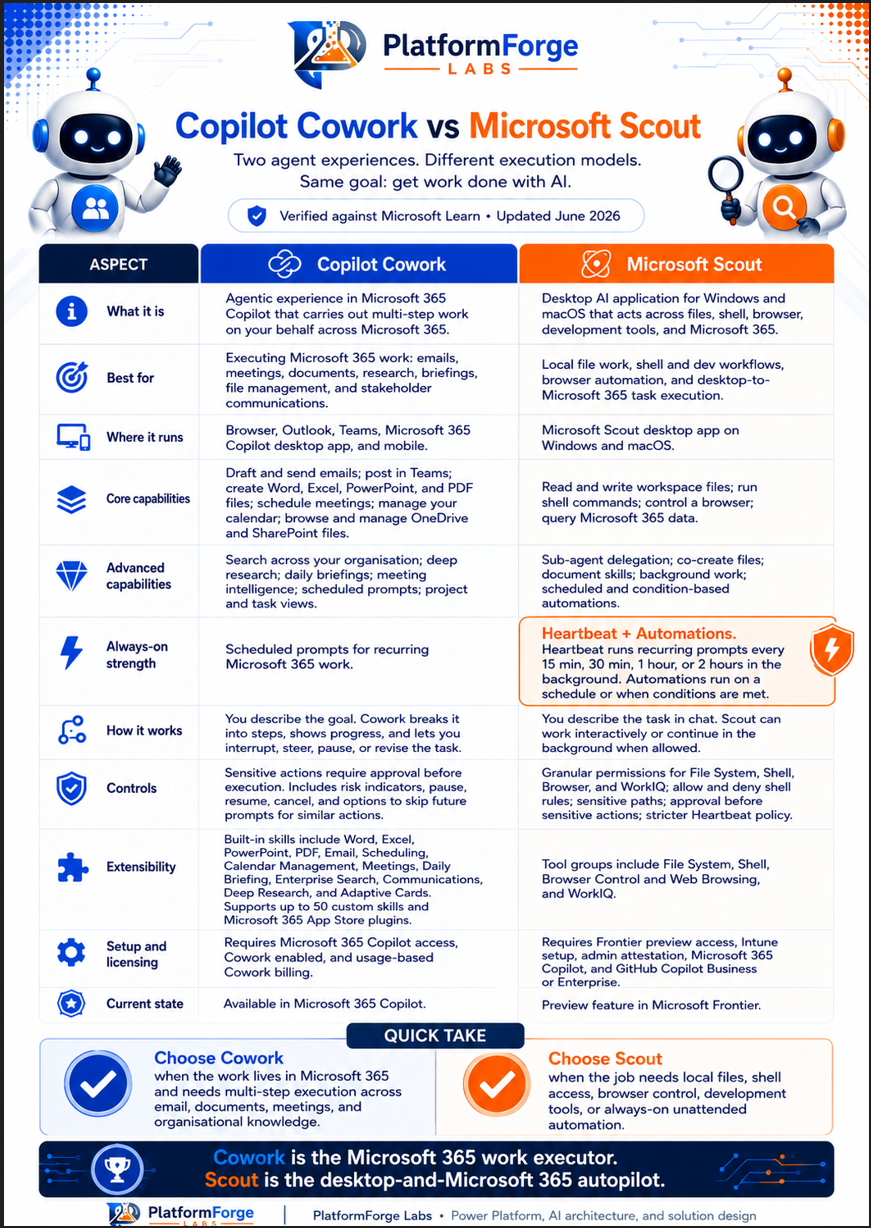
Use this to explain the difference between a Microsoft 365 work executor and a desktop AI autopilot for files, shell, browser, and developer workflows.
Text version
Everything on the sheet above as text, so you can search it, copy from it or read it with a screen reader.
Two agent experiences, different execution models, same goal: get work done with AI. Verified against Microsoft Learn, June 2026.
| Aspect | Copilot Cowork | Microsoft Scout |
|---|---|---|
| What it is | Agentic experience in Microsoft 365 Copilot that carries out multi-step work on your behalf across Microsoft 365. | Desktop AI application for Windows and macOS that acts across files, shell, browser, development tools and Microsoft 365. |
| Best for | Executing Microsoft 365 work: emails, meetings, documents, research, briefings, file management and stakeholder communications. | Local file work, shell and dev workflows, browser automation, and desktop-to-Microsoft 365 task execution. |
| Where it runs | Browser, Outlook, Teams, Microsoft 365 Copilot desktop app and mobile. | Microsoft Scout desktop app on Windows and macOS. |
| Core capabilities | Draft and send emails; post in Teams; create Word, Excel, PowerPoint and PDF files; schedule meetings; manage your calendar; browse and manage OneDrive and SharePoint files. | Read and write workspace files; run shell commands; control a browser; query Microsoft 365 data. |
| Advanced capabilities | Search across your organisation; deep research; daily briefings; meeting intelligence; scheduled prompts; project and task views. | Sub-agent delegation; co-create files; document skills; background work; scheduled and condition-based automations. |
| Always-on strength | Scheduled prompts for recurring Microsoft 365 work. | Heartbeat and Automations: Heartbeat runs recurring prompts every 15 min, 30 min, 1 hour or 2 hours in the background; Automations run on a schedule or when conditions are met. |
| How it works | You describe the goal. Cowork breaks it into steps, shows progress, and lets you interrupt, steer, pause or revise the task. | You describe the task in chat. Scout can work interactively or continue in the background when allowed. |
| Controls | Sensitive actions require approval before execution. Includes risk indicators, pause, resume, cancel, and options to skip future prompts for similar actions. | Granular permissions for File System, Shell, Browser and WorkIQ; allow and deny shell rules; sensitive paths; approval before sensitive actions; stricter Heartbeat policy. |
| Extensibility | Built-in skills include Word, Excel, PowerPoint, PDF, Email, Scheduling, Calendar Management, Meetings, Daily Briefing, Enterprise Search, Communications, Deep Research and Adaptive Cards. Supports up to 50 custom skills and Microsoft 365 App Store plugins. | Tool groups include File System, Shell, Browser Control and Web Browsing, and WorkIQ. |
| Setup and licensing | Requires Microsoft 365 Copilot access, Cowork enabled, and usage-based Cowork billing. | Requires Frontier preview access, Intune setup, admin attestation, Microsoft 365 Copilot, and GitHub Copilot Business or Enterprise. |
| Current state | Available in Microsoft 365 Copilot. | Preview feature in Microsoft Frontier. |
Quick take
- Choose Cowork when the work lives in Microsoft 365 and needs multi-step execution across email, documents, meetings and organisational knowledge.
- Choose Scout when the job needs local files, shell access, browser control, development tools, or always-on unattended automation.
Cowork is the Microsoft 365 work executor. Scout is the desktop-and-Microsoft 365 autopilot. To estimate Cowork usage costs, try the Copilot Cowork Cost Planner.