Power Fx Cheat Sheet Pack
Use this multi-page pack as a practical Power Fx reference in the browser, as a complete PDF, or as downloadable source images for sharing and training.
Text version
Everything on the pages above as text, so you can search it, copy from it or read it with a screen reader.
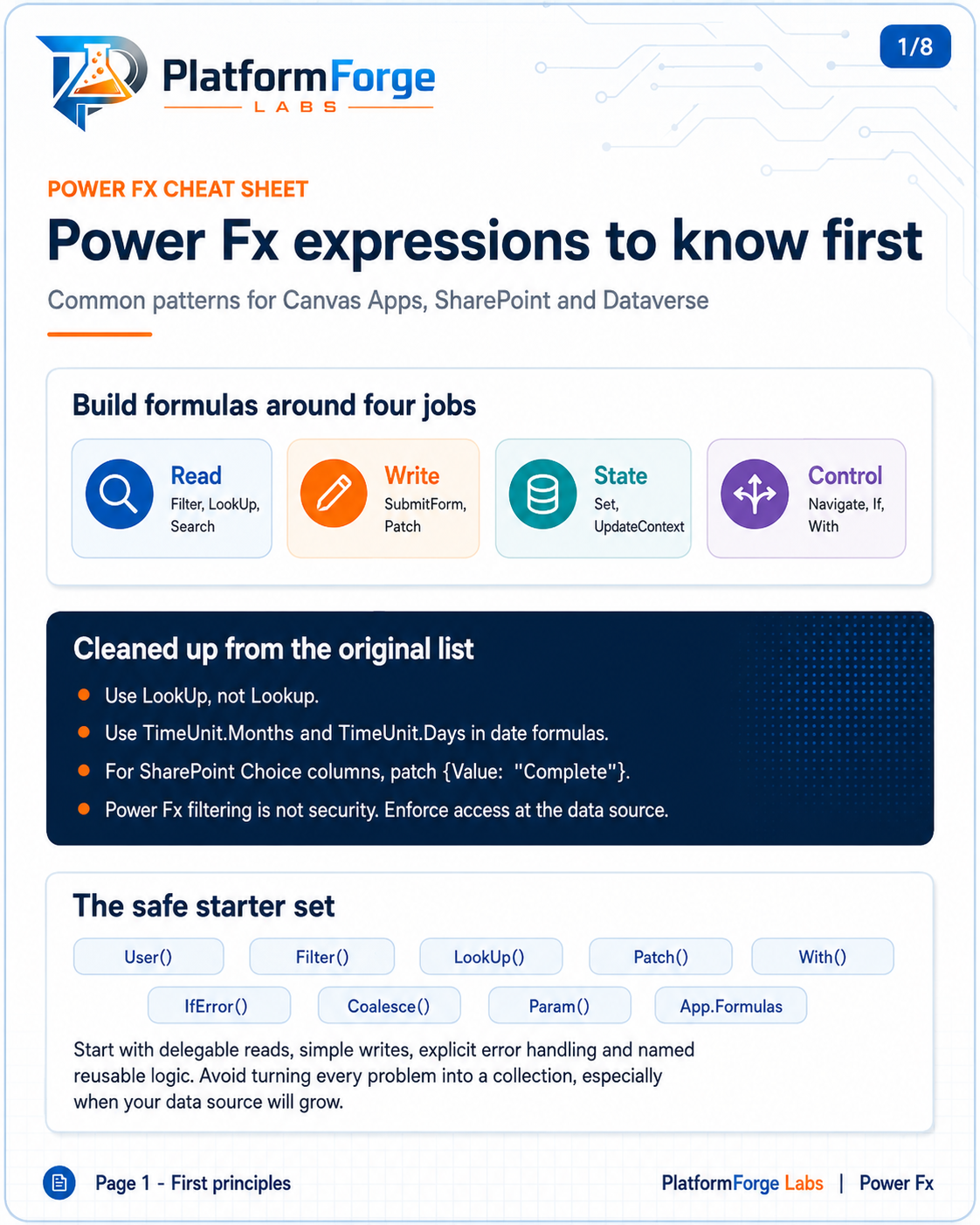
Page 1: Power Fx expressions to know first
Common patterns for canvas apps, SharePoint and Dataverse.
Build formulas around four jobs
- Read:
Filter,LookUp,Search. - Write:
SubmitForm,Patch. - State:
Set,UpdateContext. - Control:
Navigate,If,With.
Common corrections
- Use
LookUp, notLookup. - Use
TimeUnit.MonthsandTimeUnit.Daysin date formulas. - For SharePoint Choice columns, patch
{Value: "Complete"}. - Power Fx filtering is not security. Enforce access at the data source.
The safe starter set
User(), Filter(), LookUp(), Patch(), With(), IfError(), Coalesce(), Param(), App.Formulas.
Start with delegable reads, simple writes, explicit error handling and named reusable logic. Avoid turning every problem into a collection, especially when your data source will grow.
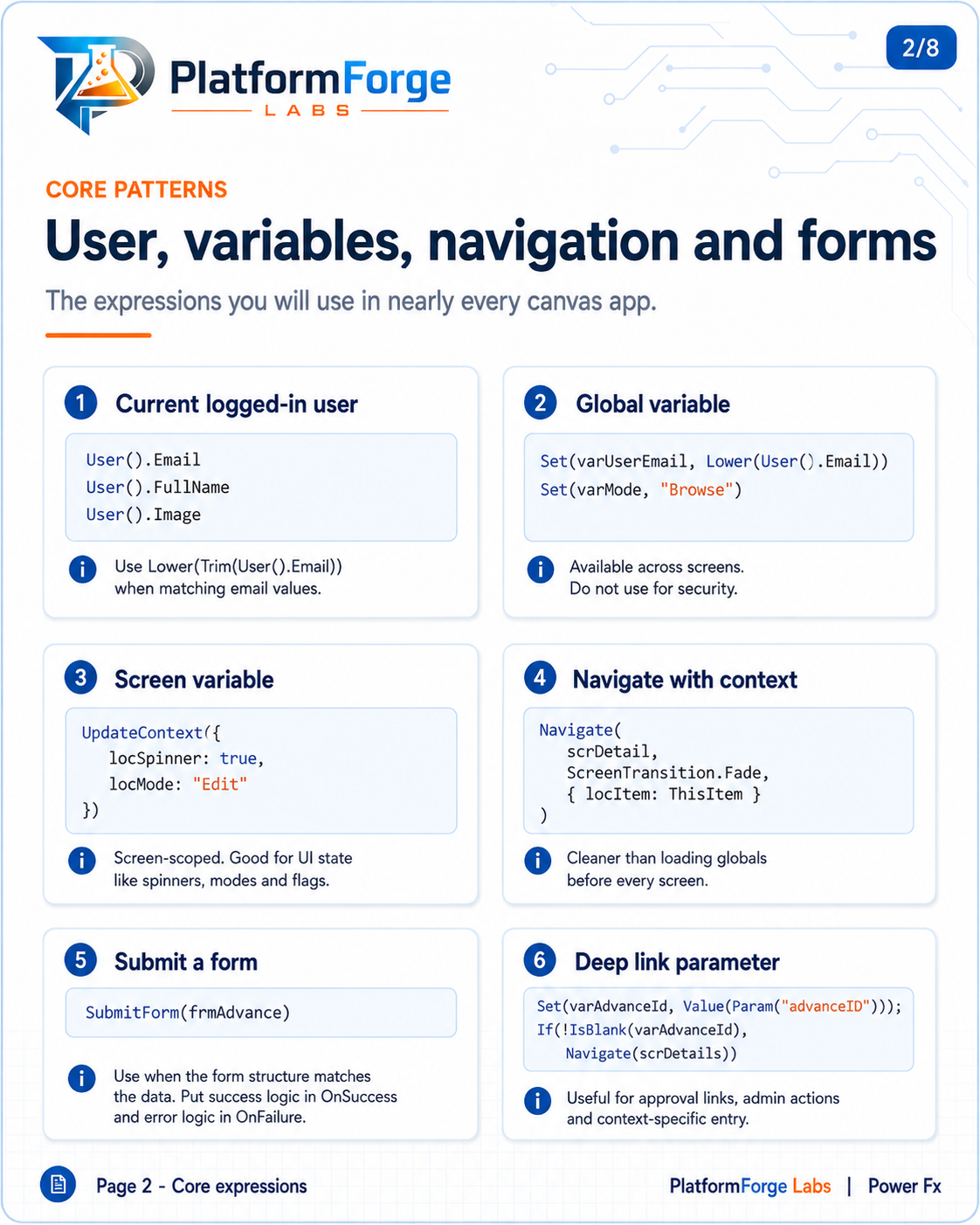
Page 2: User, variables, navigation and forms
The expressions you will use in nearly every canvas app.
1. Current logged-in user. Use Lower(Trim(User().Email)) when matching email values.
User().Email
User().FullName
User().Image
2. Global variable. Available across screens. Do not use for security.
Set(varUserEmail, Lower(User().Email))
Set(varMode, "Browse")
3. Screen variable. Screen-scoped; good for UI state like spinners, modes and flags.
UpdateContext({
    locSpinner: true,
    locMode: "Edit"
})
4. Navigate with context. Cleaner than loading globals before every screen.
Navigate(
    scrDetail,
    ScreenTransition.Fade,
    { locItem: ThisItem }
)
5. Submit a form. Use when the form structure matches the data. Put success logic in OnSuccess and error logic in OnFailure.
SubmitForm(frmAdvance)
6. Deep link parameter. Useful for approval links, admin actions and context-specific entry.
Set(varAdvanceId, Value(Param("advanceID")));
If(!IsBlank(varAdvanceId),
    Navigate(scrDetails))
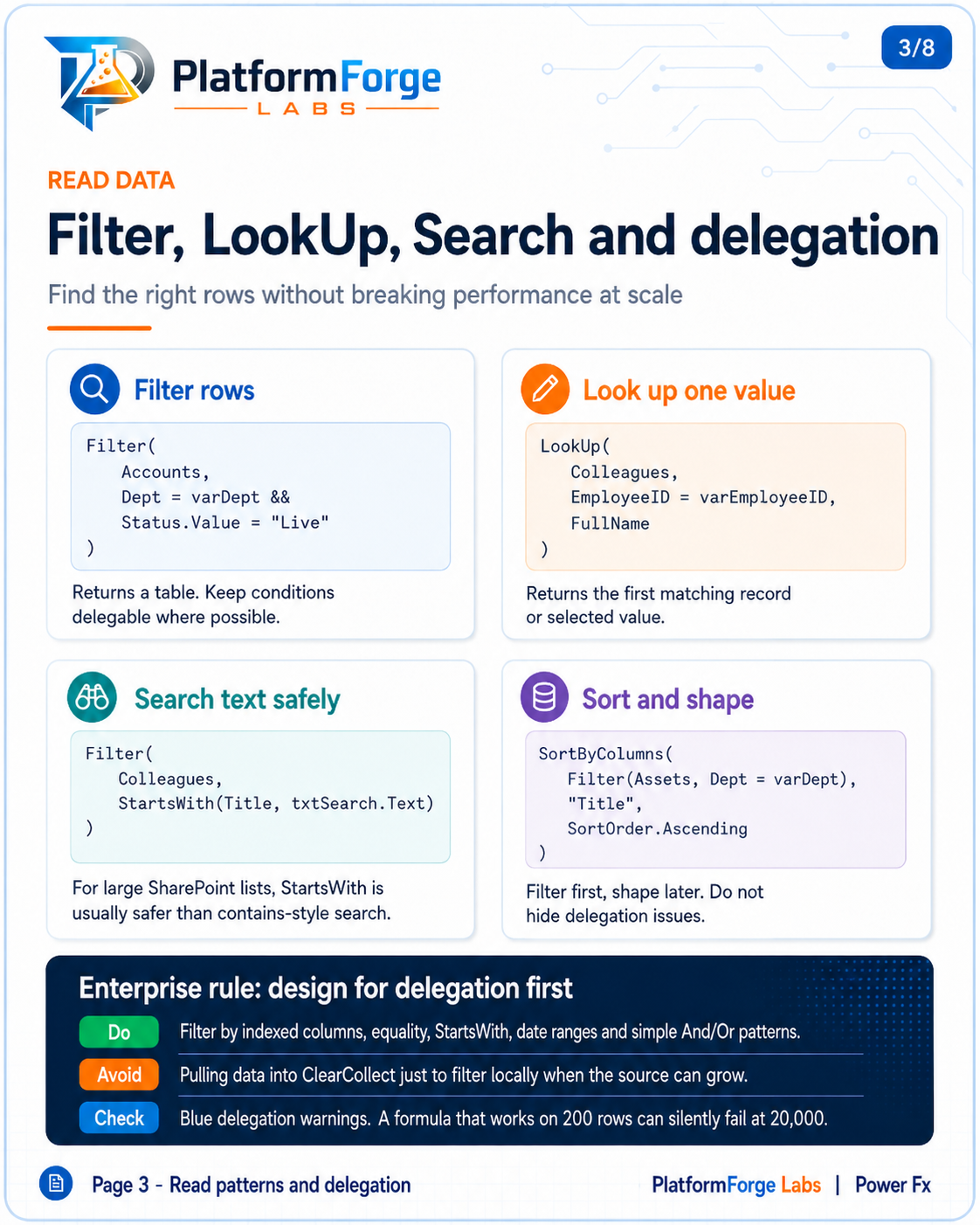
Page 3: Filter, LookUp, Search and delegation
Find the right rows without breaking performance at scale.
Filter rows. Returns a table. Keep conditions delegable where possible.
Filter(
    Accounts,
    Dept = varDept &&
    Status.Value = "Live"
)
Look up one value. Returns the first matching record or selected value.
LookUp(
    Colleagues,
    EmployeeID = varEmployeeID,
    FullName
)
Search text safely. For large SharePoint lists, StartsWith is usually safer than contains-style search.
Filter(
    Colleagues,
    StartsWith(Title, txtSearch.Text)
)
Sort and shape. Filter first, shape later. Do not hide delegation issues.
SortByColumns(
    Filter(Assets, Dept = varDept),
    "Title",
    SortOrder.Ascending
)
Enterprise rule: design for delegation first
- Do: filter by indexed columns, equality,
StartsWith, date ranges and simple And/Or patterns. - Avoid: pulling data into
ClearCollectjust to filter locally when the source can grow. - Check: blue delegation warnings. A formula that works on 200 rows can silently fail at 20,000.
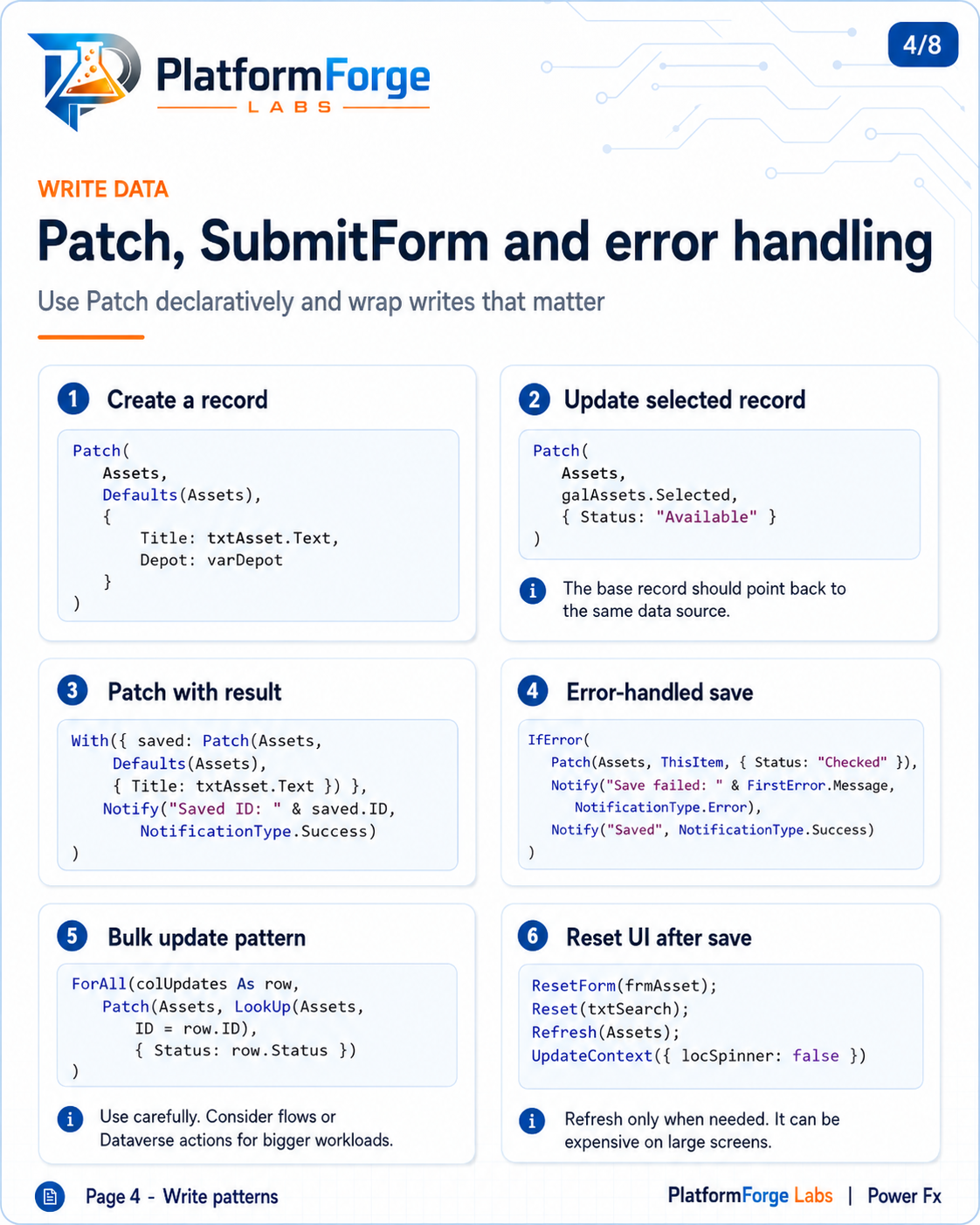
Page 4: Patch, SubmitForm and error handling
Use Patch declaratively and wrap writes that matter.
1. Create a record.
Patch(
    Assets,
    Defaults(Assets),
    {
        Title: txtAsset.Text,
        Depot: varDepot
    }
)
2. Update the selected record. The base record should point back to the same data source.
Patch(
    Assets,
    galAssets.Selected,
    { Status: "Available" }
)
3. Patch with result.
With({ saved: Patch(Assets,
    Defaults(Assets),
    { Title: txtAsset.Text }) },
    Notify("Saved ID: " & saved.ID,
        NotificationType.Success)
)
4. Error-handled save.
IfError(
    Patch(Assets, ThisItem, { Status: "Checked" }),
    Notify("Save failed: " & FirstError.Message,
        NotificationType.Error),
    Notify("Saved", NotificationType.Success)
)
5. Bulk update pattern. Use carefully. Consider flows or Dataverse actions for bigger workloads.
ForAll(colUpdates As row,
    Patch(Assets, LookUp(Assets,
        ID = row.ID),
        { Status: row.Status })
)
6. Reset the UI after save. Refresh only when needed; it can be expensive on large screens.
ResetForm(frmAsset);
Reset(txtSearch);
Refresh(Assets);
UpdateContext({ locSpinner: false })
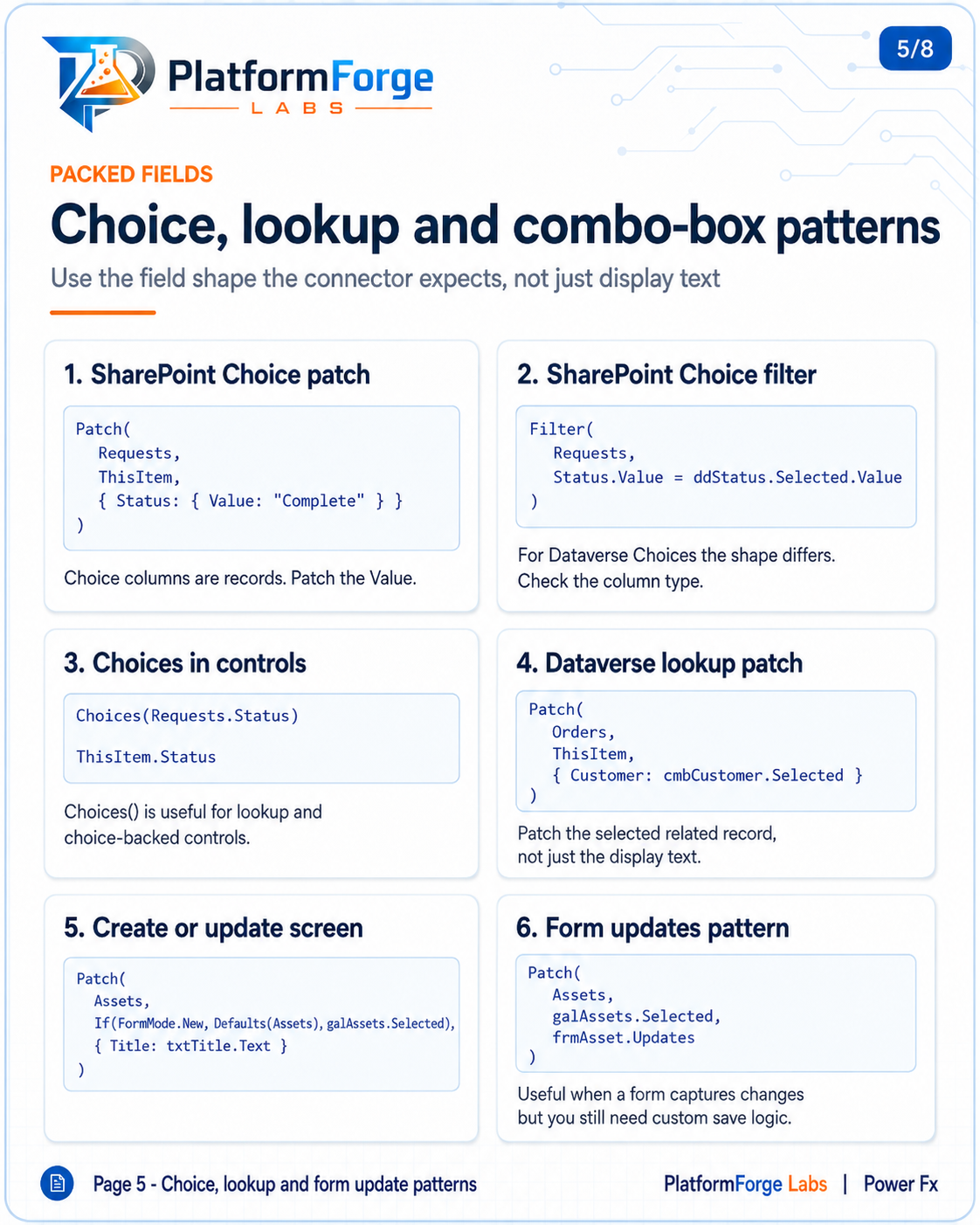
Page 5: Choice, lookup and combo-box patterns
Use the field shape the connector expects, not just display text.
1. SharePoint Choice patch. Choice columns are records: patch the Value.
Patch(
    Requests,
    ThisItem,
    { Status: { Value: "Complete" } }
)
2. SharePoint Choice filter. For Dataverse choices the shape differs, so check the column type.
Filter(
    Requests,
    Status.Value = ddStatus.Selected.Value
)
3. Choices in controls. Choices() is useful for lookup and choice-backed controls.
Choices(Requests.Status)
ThisItem.Status
4. Dataverse lookup patch. Patch the selected related record, not just the display text.
Patch(
    Orders,
    ThisItem,
    { Customer: cmbCustomer.Selected }
)
5. Create or update screen.
Patch(
    Assets,
    If(FormMode.New, Defaults(Assets), galAssets.Selected),
    { Title: txtTitle.Text }
)
6. Form updates pattern. Useful when a form captures changes but you still need custom save logic.
Patch(
    Assets,
    galAssets.Selected,
    frmAsset.Updates
)
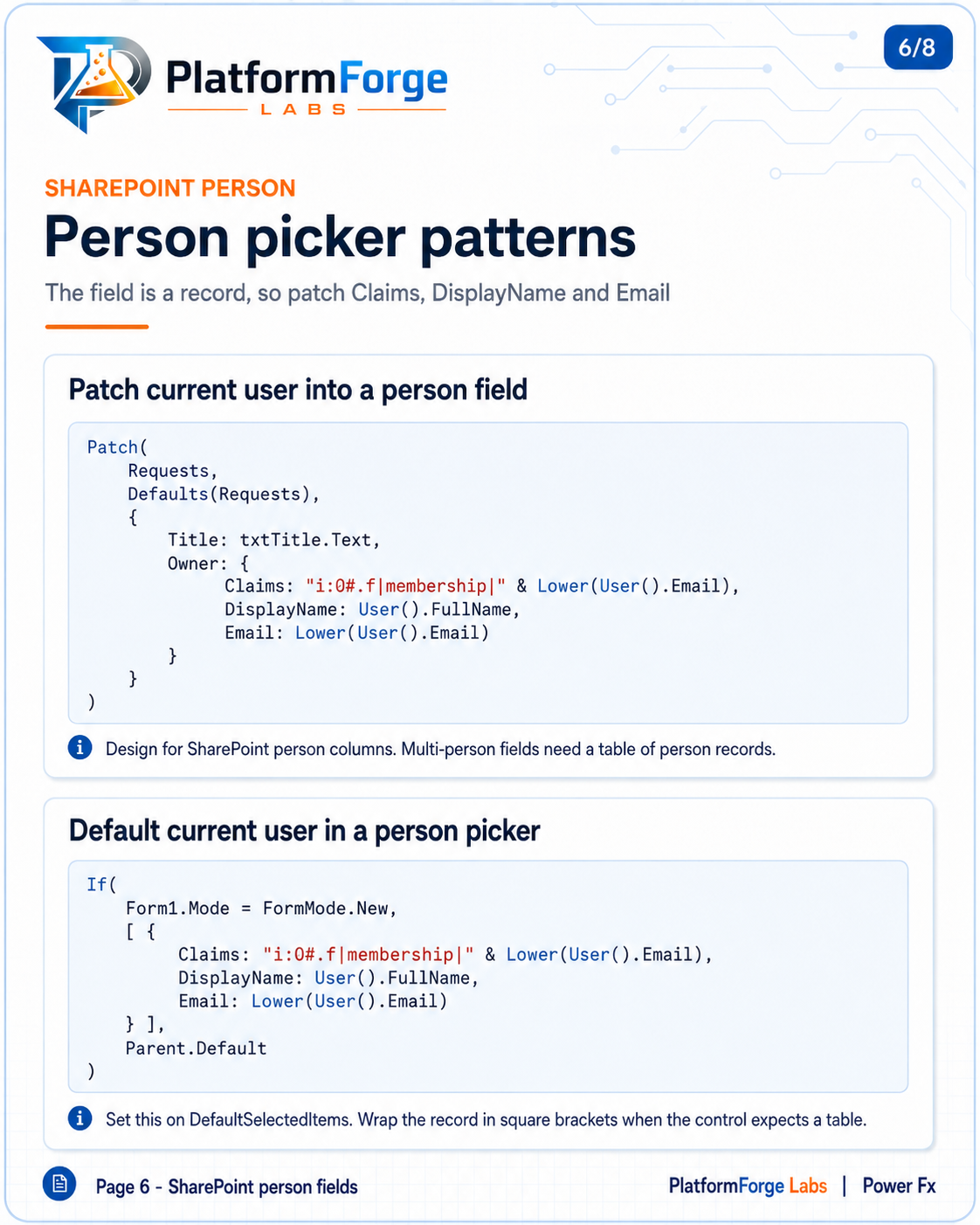
Page 6: SharePoint person picker patterns
The field is a record, so patch Claims, DisplayName and Email.
Patch the current user into a person field. Designed for SharePoint person columns; multi-person fields need a table of person records.
Patch(
    Requests,
    Defaults(Requests),
    {
        Title: txtTitle.Text,
        Owner: {
            Claims: "i:0#.f|membership|" & Lower(User().Email),
            DisplayName: User().FullName,
            Email: Lower(User().Email)
        }
    }
)
Default the current user in a person picker. Set this on DefaultSelectedItems. Wrap the record in square brackets when the control expects a table.
If(
    Form1.Mode = FormMode.New,
    [ {
        Claims: "i:0#.f|membership|" & Lower(User().Email),
        DisplayName: User().FullName,
        Email: Lower(User().Email)
    } ],
    Parent.Default
)
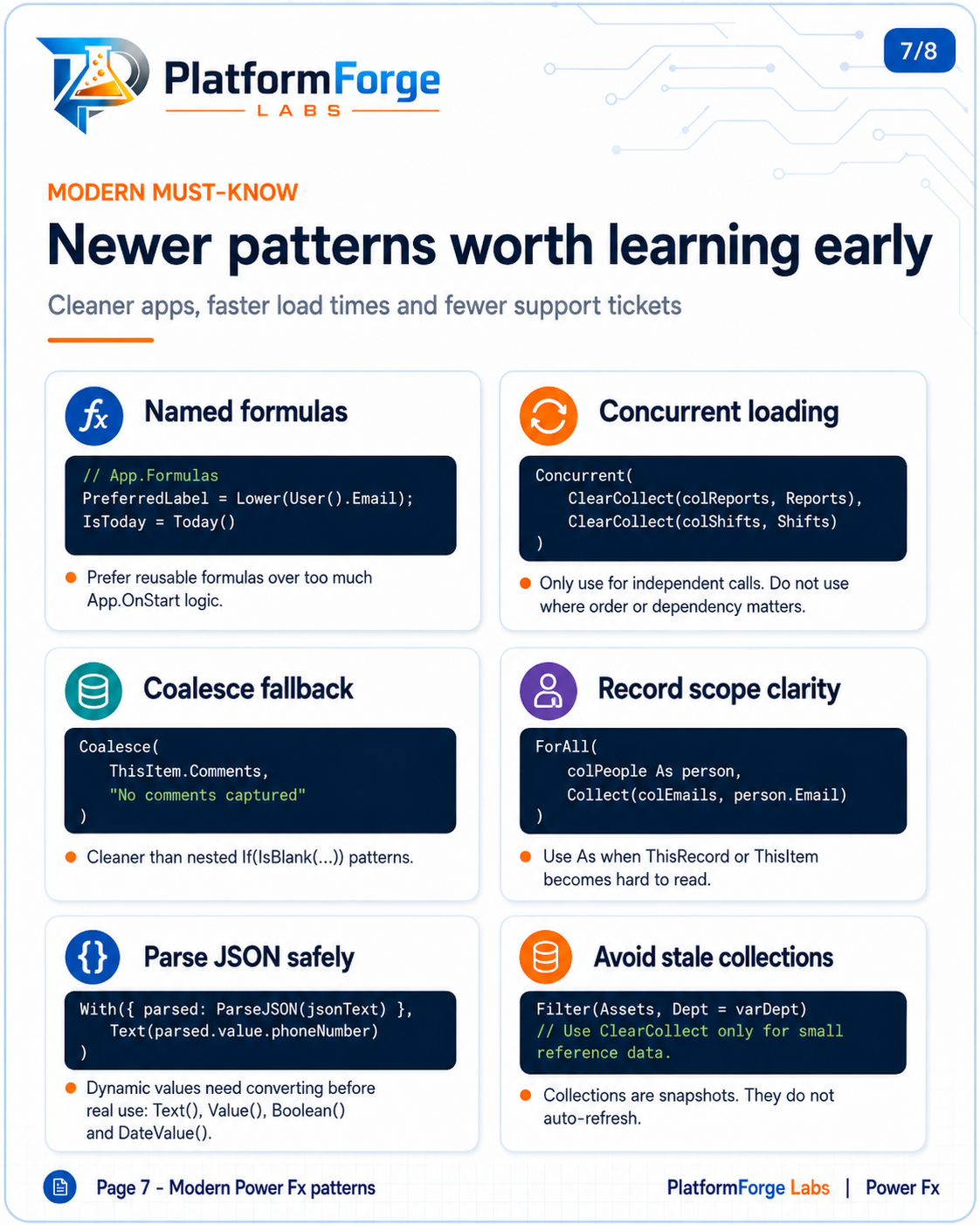
Page 7: Newer patterns worth learning early
Cleaner apps, faster load times and fewer support tickets.
Named formulas. Prefer reusable formulas over too much App.OnStart logic.
// App.Formulas
PreferredLabel = Lower(User().Email);
IsToday = Today()
Concurrent loading. Only use for independent calls; do not use where order or dependency matters.
Concurrent(
    ClearCollect(colReports, Reports),
    ClearCollect(colShifts, Shifts)
)
Coalesce fallback. Cleaner than nested If(IsBlank(...)) patterns.
Coalesce(
    ThisItem.Comments,
    "No comments captured"
)
Record scope clarity. Use As when ThisRecord or ThisItem becomes hard to read.
ForAll(
    colPeople As person,
    Collect(colEmails, person.Email)
)
Parse JSON safely. Dynamic values need converting before real use: Text(), Value(), Boolean() and DateValue().
With({ parsed: ParseJSON(jsonText) },
    Text(parsed.value.phoneNumber)
)
Avoid stale collections. Collections are snapshots; they do not auto-refresh.
Filter(Assets, Dept = varDept)
// Use ClearCollect only for small reference data.
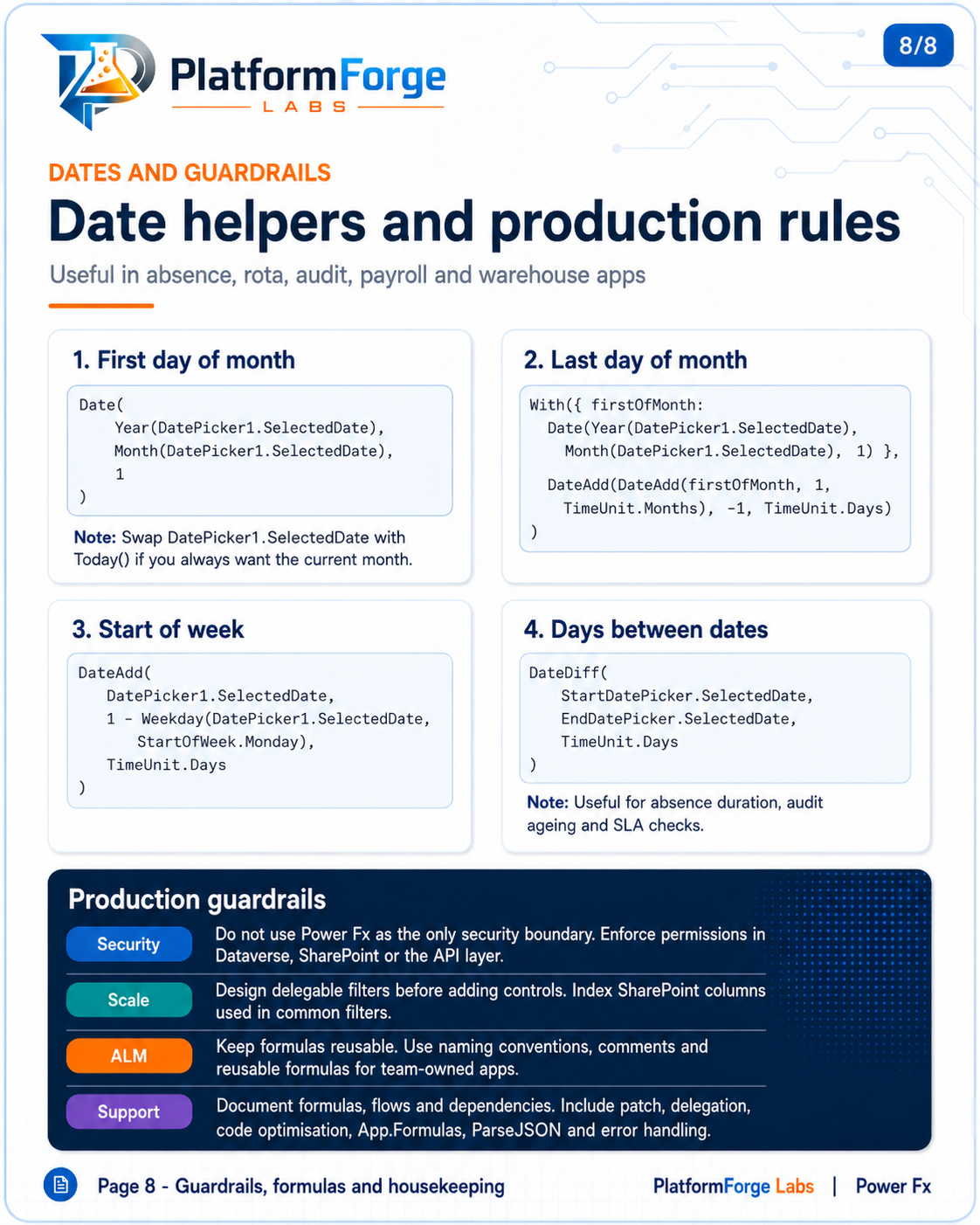
Page 8: Date helpers and production rules
Useful in absence, rota, audit, payroll and warehouse apps.
1. First day of month. Swap DatePicker1.SelectedDate with Today() if you always want the current month.
Date(
    Year(DatePicker1.SelectedDate),
    Month(DatePicker1.SelectedDate),
    1
)
2. Last day of month.
With({ firstOfMonth:
    Date(Year(DatePicker1.SelectedDate),
        Month(DatePicker1.SelectedDate), 1) },
    DateAdd(DateAdd(firstOfMonth, 1,
        TimeUnit.Months), -1, TimeUnit.Days)
)
3. Start of week.
DateAdd(
    DatePicker1.SelectedDate,
    1 - Weekday(DatePicker1.SelectedDate,
        StartOfWeek.Monday),
    TimeUnit.Days
)
4. Days between dates. Useful for absence duration, audit ageing and SLA checks.
DateDiff(
    StartDatePicker.SelectedDate,
    EndDatePicker.SelectedDate,
    TimeUnit.Days
)
Production guardrails
- Security: do not use Power Fx as the only security boundary. Enforce permissions in Dataverse, SharePoint or the API layer.
- Scale: design delegable filters before adding controls. Index SharePoint columns used in common filters.
- ALM: keep formulas reusable. Use naming conventions, comments and reusable formulas for team-owned apps.
- Support: document formulas, flows and dependencies, including patch, delegation, code optimisation,
App.Formulas,ParseJSONand error handling.